Present from your browser.
Control it from your phone.
Upload your PowerPoint or PDF, open it full screen on any computer, and use your phone as a remote with your speaker notes.
Free plan · No credit card
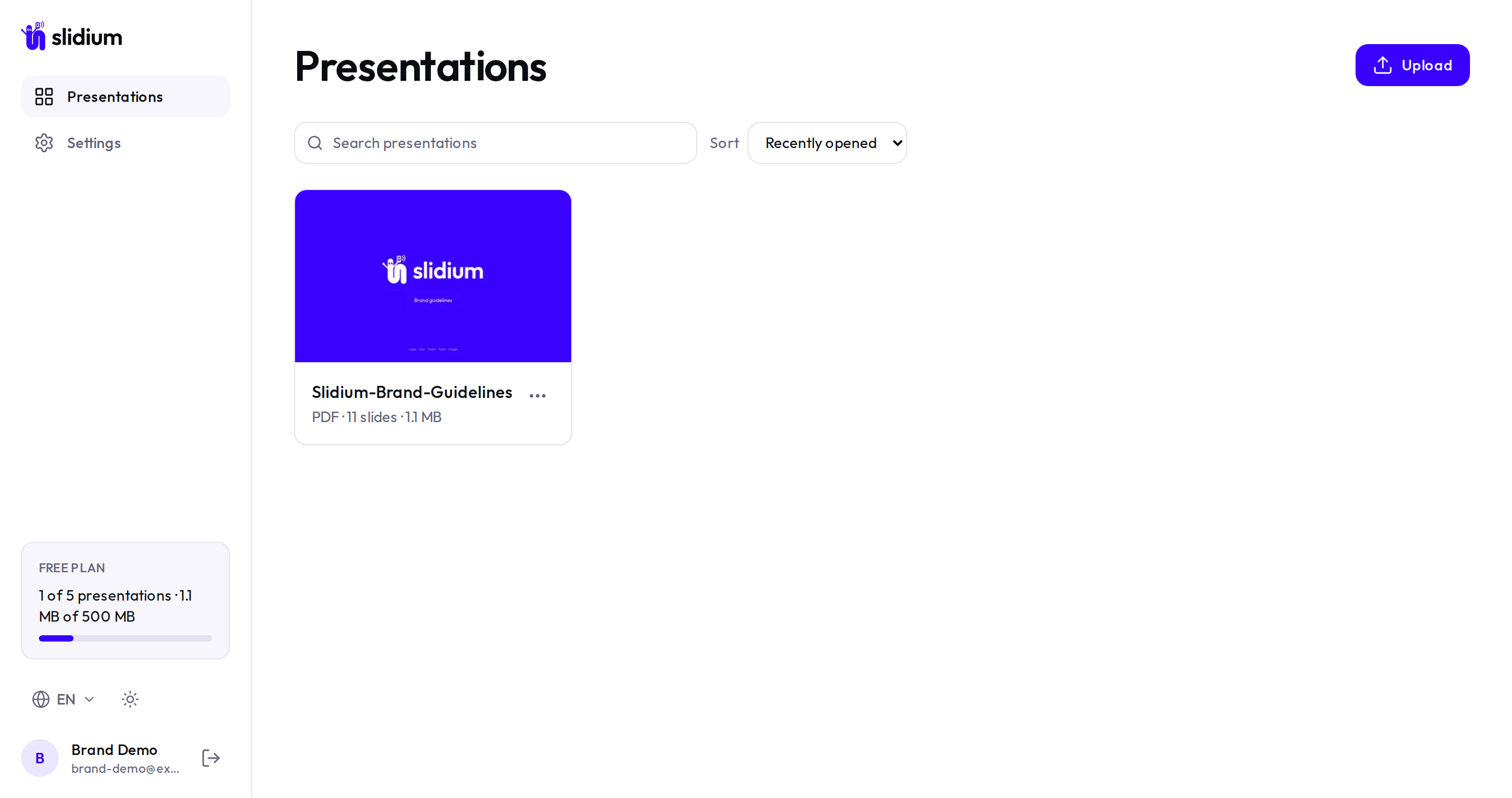
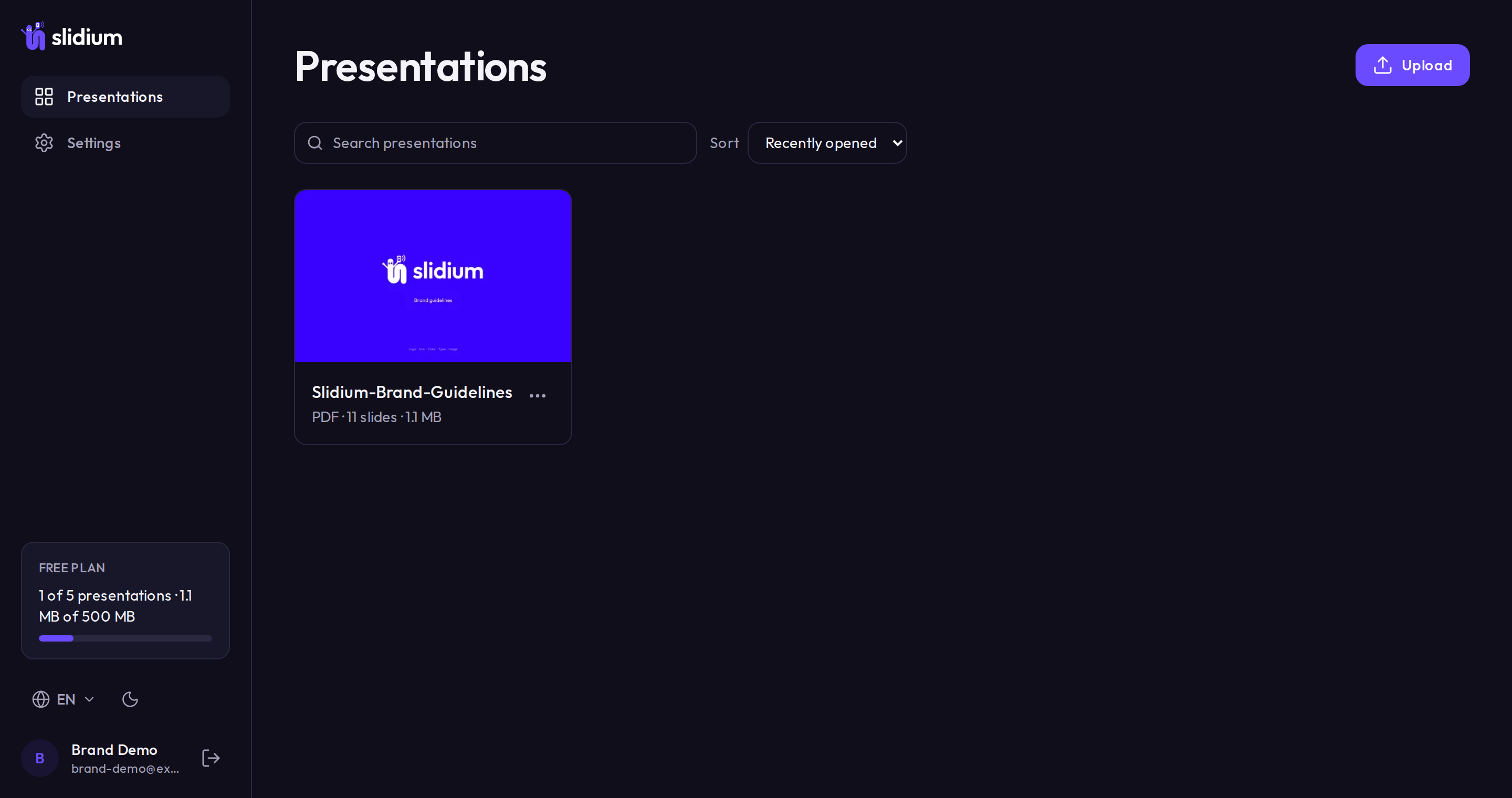
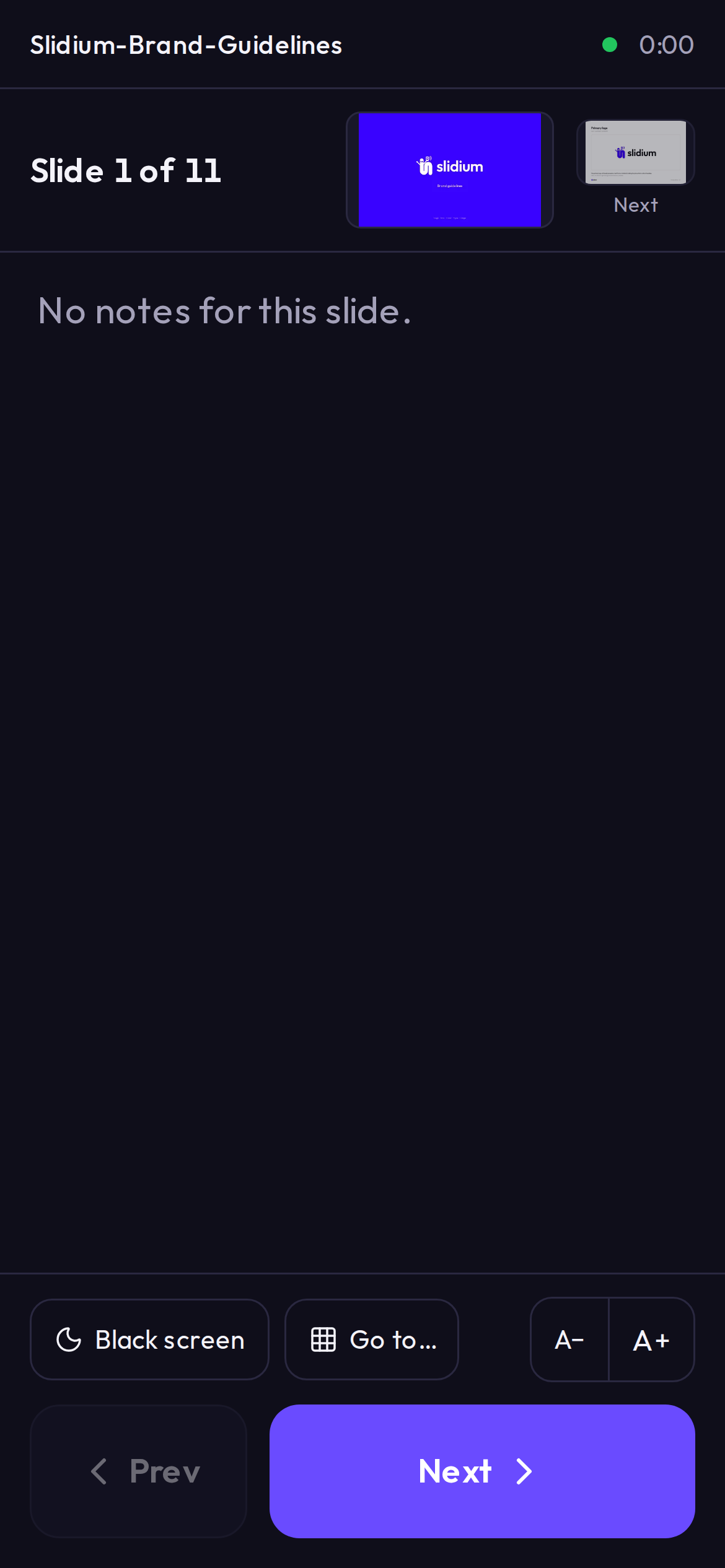
Your slides on the big screen. Your notes in your hand. Nothing to install, nothing to plug in.
How it works
Three steps to the stage.
- 01
Upload.
Drop a PPTX or PDF.
- 02
Open on any screen.
Full screen in one click.
- 03
Scan to control.
Your phone becomes the remote, with your notes.
Features
Everything a speaker needs, nothing else.
Phone remote
Big Next and Previous buttons that work in a dark room, one-handed.
Speaker notes on your phone
Imported from your PowerPoint, editable any time.
Works in the browser
Nothing to install on the computer or the phone.
Private by default
Your files stay private. Only phones that scan your code can control a talk.
Keyboard shortcuts
Arrows, Space, B for black screen, numbers to jump.
Your library, anywhere
Upload once, present from any computer you log in to.
FAQ
Questions.
Do I need to install anything?
No. Slidium runs in the browser on both the computer and the phone.
Which files can I upload?
PowerPoint (.pptx) and PDF. Older .ppt, OpenDocument (.odp) and Keynote files aren't supported yet: export them to PPTX or PDF first.
Does my phone need an account or an app?
No. Scan the QR code shown on the computer and your phone becomes the remote. Only your computer needs to be logged in.
Can the audience see my notes?
No. The computer shows only the slides, full screen. Your notes appear on your phone.
Can two phones control the same presentation?
Yes. Up to 3 phones can connect to the same talk, for example yours and a co-presenter’s, and each one can control the slides. The presenter can disconnect any phone from the computer.
My PDF has no speaker notes. Can I add them?
Yes. Write, edit or delete notes for any slide in Slidium. Notes imported from PowerPoint are editable too.
Do the phone and computer need the same Wi‑Fi?
No. Both just need an internet connection.
Is it free?
Yes, there's a free plan, and you don't need a credit card to start.
Your next talk, one scan away.
Upload a deck, scan the code, and walk on stage with your notes in your hand.
Get started free